
- EFind Pulse FM on Amazon Alexa
To be sure your device is accessing the correct Pulse FM stream, you must first enable our skill.
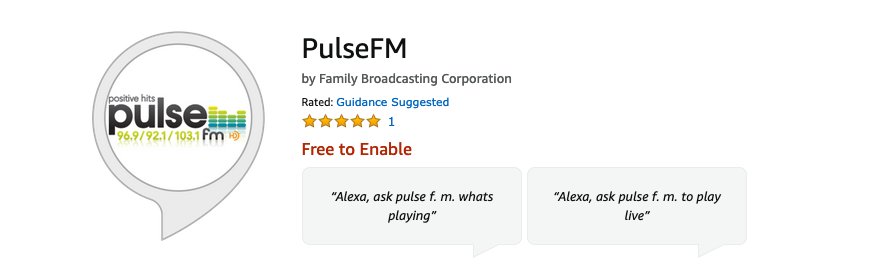
Follow these easy steps:
-
- Click here to login to your Amazon account, or open the app using your smartphone or tablet.
- If you need to search for our skill, type Pulse FM into the search bar. Hint: Notice there are no spaces in the name of our skill.
- Click the Enable button
- Test the skill speaking, “Alexa, Play Pulse FM”, or one of the other test phrases listed on our skill page.
Once you have confirmed the skill has been enabled, you’re done.
Pulse Connect
Get the Pulse Morning Nugget, breaking news updates, local weather alerts, concert info, special promo offers and more, sent right to your cell!
Pulse Partners
Help Support The Businesses That Support Pulse FM!